
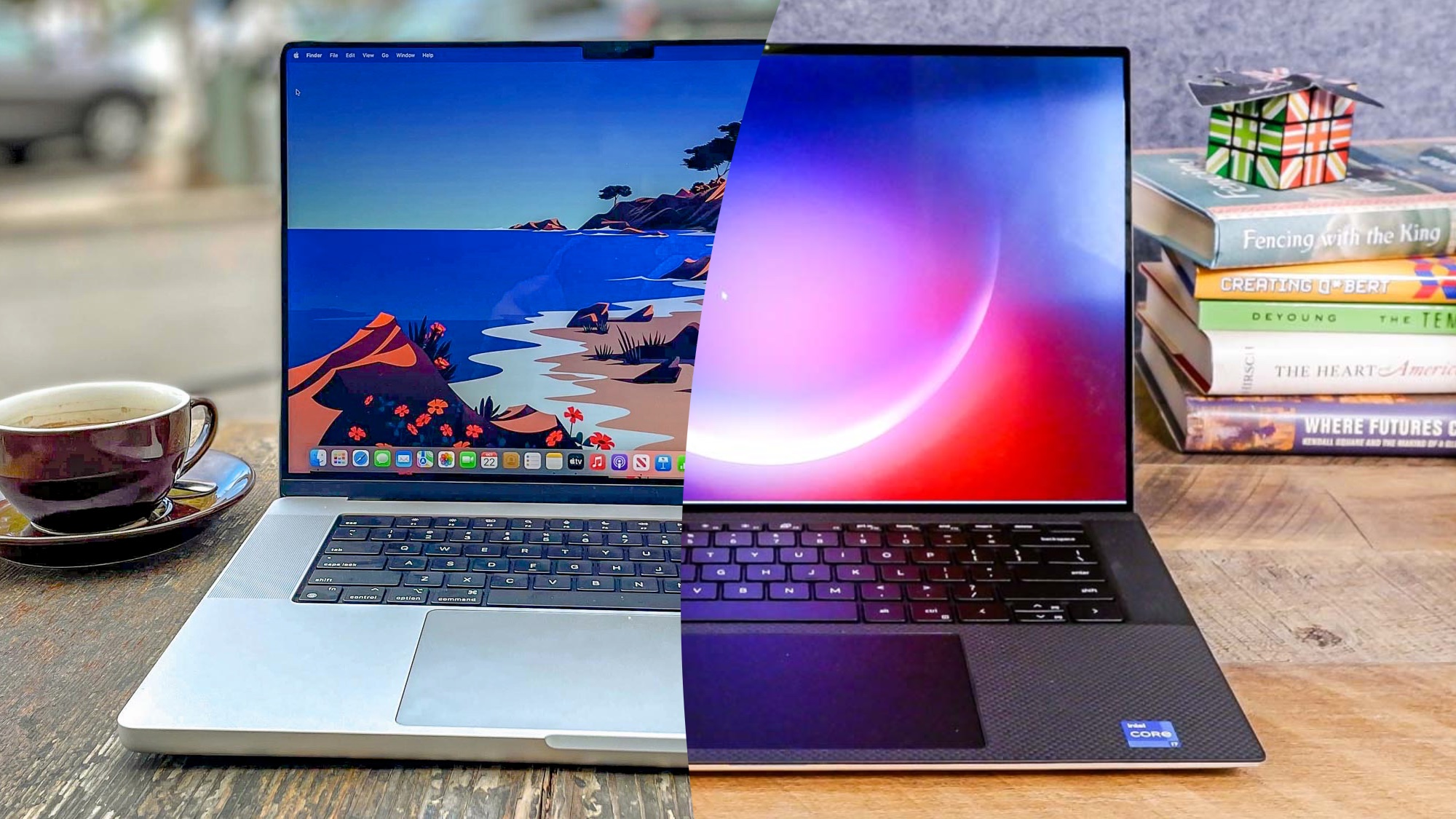
macOS vs Windows: Which Operating System Is Right for You?
Compare the two major desktop operating systems — performance, software, security, and user experience.
macOS vs Windows – A Deep Comparison
Choosing between macOS and Windows is one of the most fundamental decisions you'll make when buying a computer. Both operating systems have passionate advocates, and both have their strengths and weaknesses. This guide compares the two major desktop operating systems across performance, software, security, and user experience to help you decide which one is right for you.
Performance
Both macOS and Windows are fast and capable, but they take different approaches to hardware and optimisation. Both macOS and Windows are fast, but macOS is optimised for Apple hardware, offering better battery life and efficiency, while Windows can reach higher performance ceilings with the right hardware.
Software
Software on macOS and Windows differs primarily in ecosystem reach and design. Windows offers a massive software library, extensive custom tools, and unmatched gaming support. macOS provides a stable, Unix-based environment with tight hardware integration that excels in creative and development fields.
Security
Both macOS and Windows provide strong built-in security, but they use different methods. macOS offers a locked-down, user-friendly system right out of the box with strong default protections, while Windows provides deep, highly customizable security tools that often require manual setup.
User Experience
macOS offers a smooth, focused, and battery-efficient user experience tightly integrated with the Apple ecosystem, while Windows 11 provides superior window snapping, deep customization, and unmatched gaming or multi-monitor support.