Toner & Cartridge Compatibility Guide
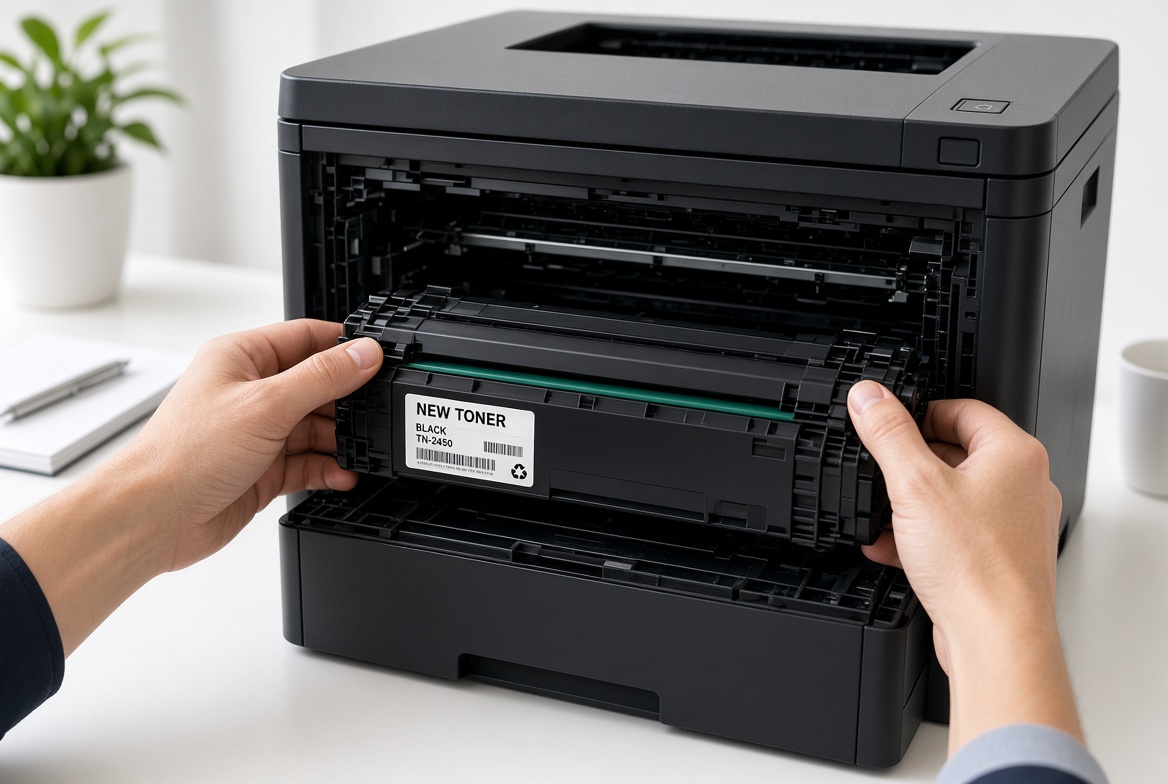
To find the right toner or cartridge,look up your printer's model number on the device sticker or check the code printed on your old cartridge. Match this code (such as HP 58A or TN-760) to original or trusted third-party compatible replacements.
Choosing the Right Toner or Ink
Buying the right toner or ink cartridge for your printer can be confusing. With so many models, numbers, and compatibility claims, it's easy to make a costly mistake. This guide will help you find the correct cartridge for your printer every time, and understand the trade-offs between genuine and compatible options.
Check Your Printer Model
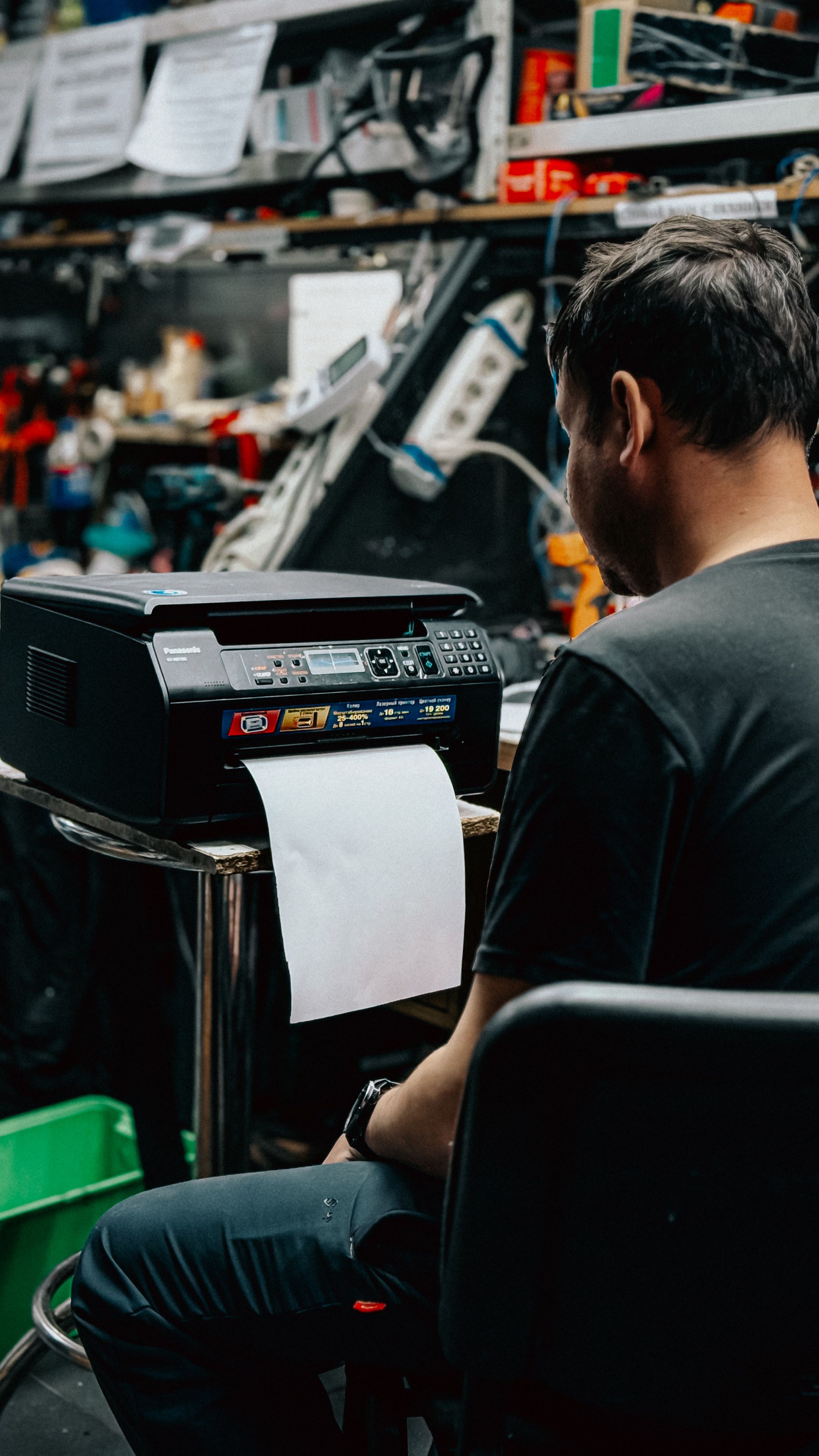
The most important step is knowing exactly which printer you have. Using the wrong cartridge can damage your printer or simply not work at all. Take a photo of your printer's model number label – this makes it easy to reference when shopping for cartridges.
Compatibility
To find the right toner or cartridge compatibility,match your printer brand and exact model number (found on the front or back of the device) to the manufacturer's specific cartridge code, such as HP 85A (CE285A) or Canon CRG731.
Genuine vs Compatible
Genuine (OEM) toner cartridges are made by your printer's manufacturer, offering guaranteed quality and complete compatibility at a higher price . Compatible cartridges are built by third parties to match those specs, costing 40% to 70% less, with quality varying by brand. Genuine gives the best quality; compatible saves money.